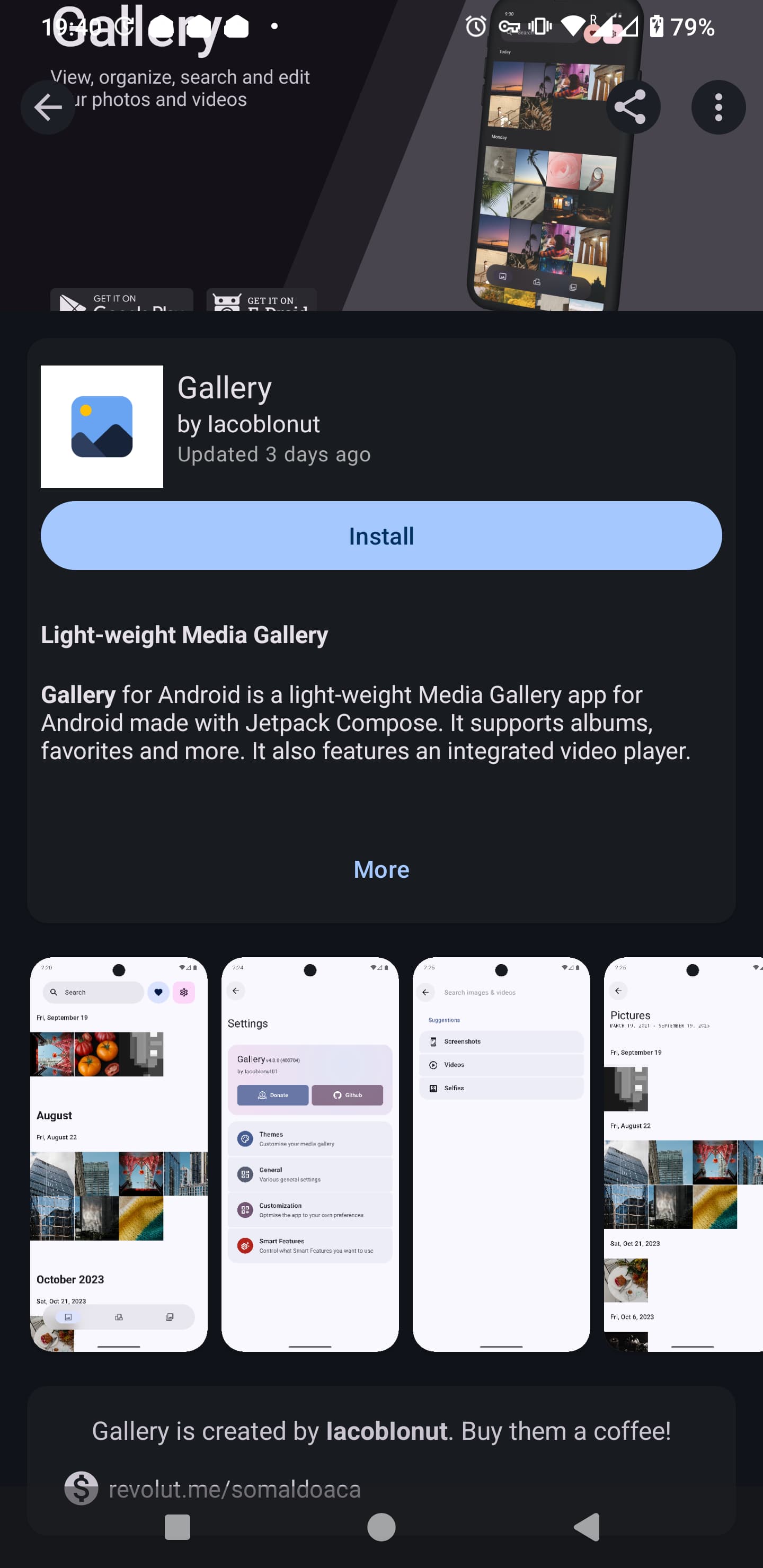
It happened to me with the Gallery app, the simple one developed by lacoblonut available on F-Droid, something I don’t remember never happening to me before. I went looking for a picture and when I tapped the icon on my home screen the app didn’t open but asked for permissions, as if I just had installed it, which wasn’t the case. After file access permission it was asking for notifications which I dennied, and the application closed.
I’ve uninstalled it and reinstalled again several times and it doesn’t allow me to install it without granting notifications. I find this very odd. This type of application doesn’t need push notifications, and I don’t need them anyway. It raises security concerns.
I can see that in the permissions area it says Notifications is “New”. I’ve searched for this issue without results. It would be great to know if other people is experiencing this.
I have never noticed that F-Droid apps wouldn’t implement push notifications. I have for instance Fair Email on my De-Googled phone that works perfectly well without the need of Google’s System. Also, I don’t think an app needs any permission to show you notifications when you are using it. As far as I know the notifications permission is there because push notifications involve normally using an external service, normally Google’s System (FCM - Firebase Cloud Messaging). Their whole purpose is that they work when the app is not running and therefore can’t show notifications. They are quite more complicated than most folks think and rise big privacy concerns. Another app that I have installed from F-Droid is Fossify Messages that manages SMSs.
Two ideas, Google forces devs to ask your permission to show a notification (because bad apps used to show ads there and etc). Second, you can always read the app info or ask the dev WHY they need that.
Also third, apps might not be able to work in the background (to process files as you wish) without some background service. And guess what… Google forces devs to show a notification IF they want the app to not be killed whenever you don’t have the app on screen.
No, not related, those apps are wired through the system and you can’t control Push at all.
You made a good point there:
The reason for the notifications requirement is because the app has been modiffied for the version released on the 15th of November to include some background processes.
The next permissions were not required on previous versions, the previous one being from April 2025:
run foreground service with the type “dataSync”
Allows the app to make use of foreground services with the type “dataSync”
run foreground service with the type “mediaProcessing”
Allows the app to make use of foreground services with the type “mediaProcessing”
show notifications
Allows the app to show notifications
There is a new version on Github (4.0.2) still not available on F-Droid where the developer has made next note:
Setup: Actually make the notification permission optional
I don’t have the knowledge to judge a developer that puts his work available for free to the gereral public and the changes they make to their apps. However, since the app was changed to process something in the background with “dataSync”, I believe it would have been much better if the developer had explained what this function is for. I personally don’t need the app I use to view my photos and videos to do any data synk. Adding that and making it a pre-condition to even opening the app was a masive red flag. If it was intentional or a mistake, I don’t know. However, I tend to think that the developer of probably the most installed gallery app on F-Droid would have had this situation very clear in their mind. I’ve considered your suggestion of contacting the developer but to be honest I think there is no point because the developer made those decissions conciously. For now I will keep using an older version of the app and perhaps I will look for a replacement.