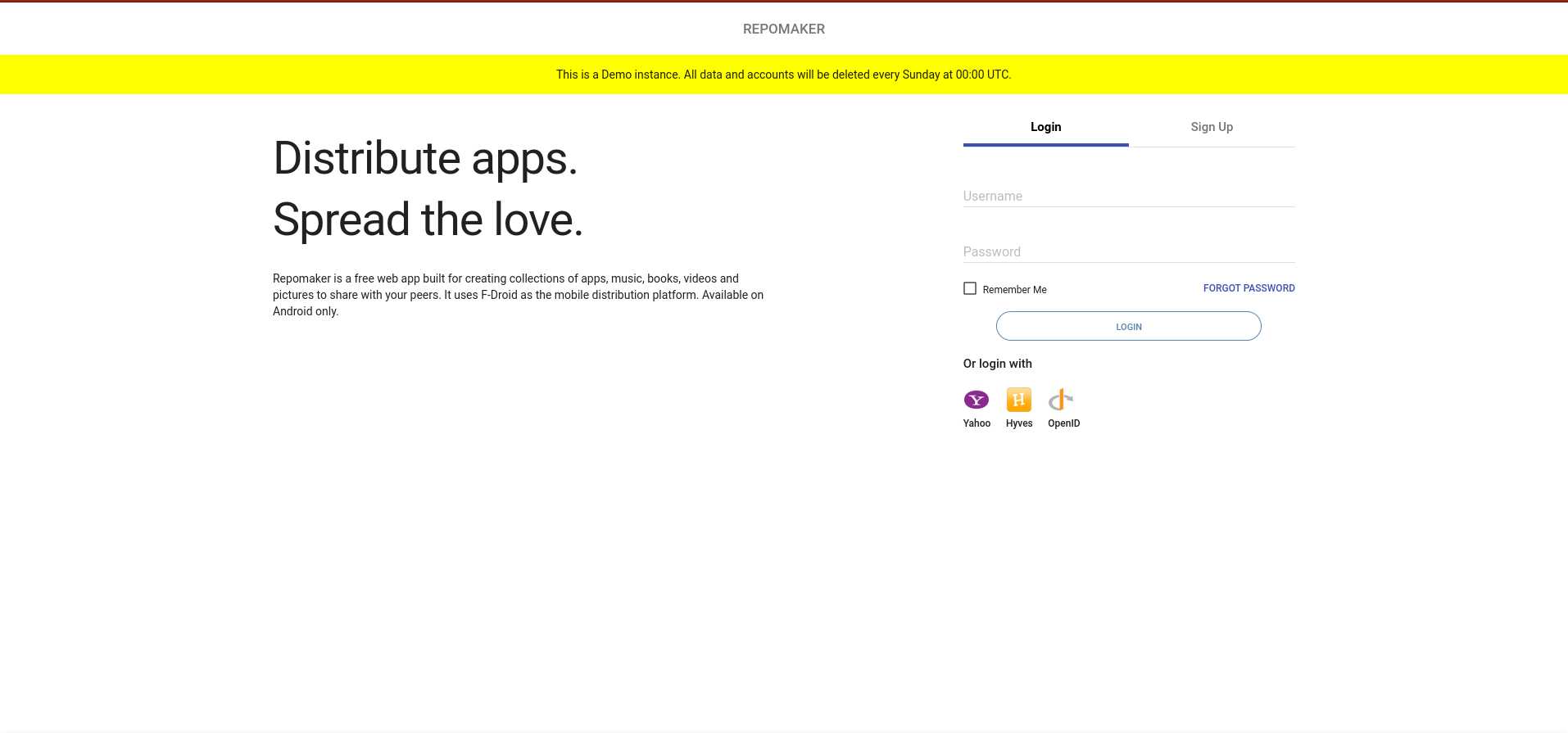
Repomaker is back! After a bit of work, Repomaker is back again. Below are some of the major updates
- Update fdroidserver to fdroidserver 2.3.2
- Update Django to Django to 4.2
- Integration of rclone to allow people deploy to multiple cloud services.
- Ability to share your repo on appiverse.io
To test out the current version, check out the demo instance at https://repomakerdemo.fdroid.net
Test it out and report errors you encounter.
Self-host Repomaker
For now, the quickest way to run it locally or on your own infrastructure is through docker. To do so, follow the steps below
- Install docker as described at Install Docker Engine | Docker Docs
- Follow the post-installation steps as described at Linux post-installation steps for Docker Engine | Docker Docs if on Linux
- Install docker compose as described at Overview of installing Docker Compose | Docker Docs
- Create a directory of your choice (e.g.
repomaker) to hold thedocker-compose.ymland.envfiles.
Move to the directory you created

mkdir repomaker
cd repomaker
- Download
docker-compose.ymland.envby running the following commands:
Get docker-compose.yml file

wget -O docker-compose.yml https://gitlab.com/fdroid/repomaker/-/raw/master/docker/docker-compose.yml
Get .env file

wget -O .env https://gitlab.com/fdroid/repomaker/-/raw/master/docker/.env
- Populate the
.envfile with custom values .Below are the default environmental variables
# Please enter your hostname here
REPOMAKER_HOSTNAME=abc-repomaker-test.org

# Here all repomaker related files (including the database) will be stored
REPOMAKER_PATH=/var/lib/repomaker

# The local port repomaker will listen on the host machine
REPOMAKER_PORT=80

# Warning: Changing this later will change all repo locations in default storage
REPOMAKER_SECRET_KEY=

# You usually do not need to change this
DJANGO_SETTINGS_MODULE=repomaker.settings_docker

# Uncomment to allow password-less connections to the database
# https://djangoforprofessionals.com/postgresql/#postgresql
#POSTGRES_HOST_AUTH_METHOD=trust

# CSRF_TRUSTED_ORIGINS is needed for Django 4
# To avoid CSRF verification failed. Request aborted error
CSRF_TRUSTED_ORIGINS="https://${REPOMAKER_HOSTNAME}"
For a quick set-up, uncomment the line POSTGRES_HOST_AUTH_METHOD to be true in your .env file. If you are going to actually serve apps from it, read on how to secure postgres here: Chapter 3: PostgreSQL — Django for Professionals | LearnDjango.com
The REPOMAKER_HOSTNAME variable can either be a domain name or the ip address of the machine running repomaker.
The REPOMAKER_SECRET_KEY can be generated with the command
echo "REPOMAKER_SECRET_KEY=$(cat /dev/urandom | tr -dc 'a-zA-Z0-9' | fold -w 64 | head -n 1)" .Please replace this in the .env file above.
- Start the containers by running the command below
docker compose up -d
-
Access the repomaker instance by going to the
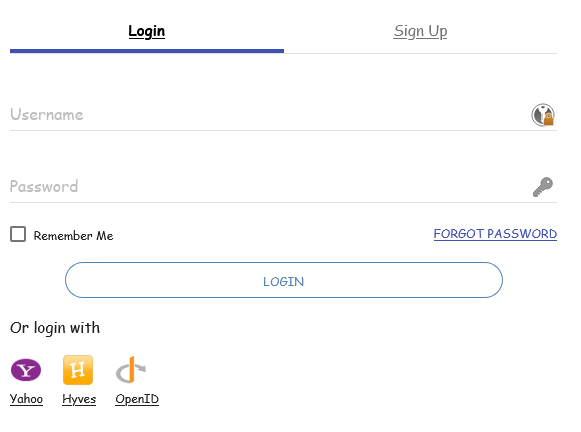
REPOMAKER_HOSTNAMEyou set in the.envabove. You should see the webpage below
-
Sign up then log in and enjoy Repomaker. Congratulations!