Steps
- I tap
Installon the app’s F-Droid page. It doesn’t matter what repository was used; F-Droid, IzzyOnDroid, etc. - I get a prompt (presumably from the OS, not F-Droid) asking me whether or not I want to install the app. I tap
Install - The
Preparing Installationprogress indicator shows up… and never goes away. What’s supposed to happen next is F-Droid begins downloading. Rarely, it does work and I got to download and install the app. I give it a 1/10 chance of it working at any given hour or so. If it doesn’t work at this moment then it just doesn’t.
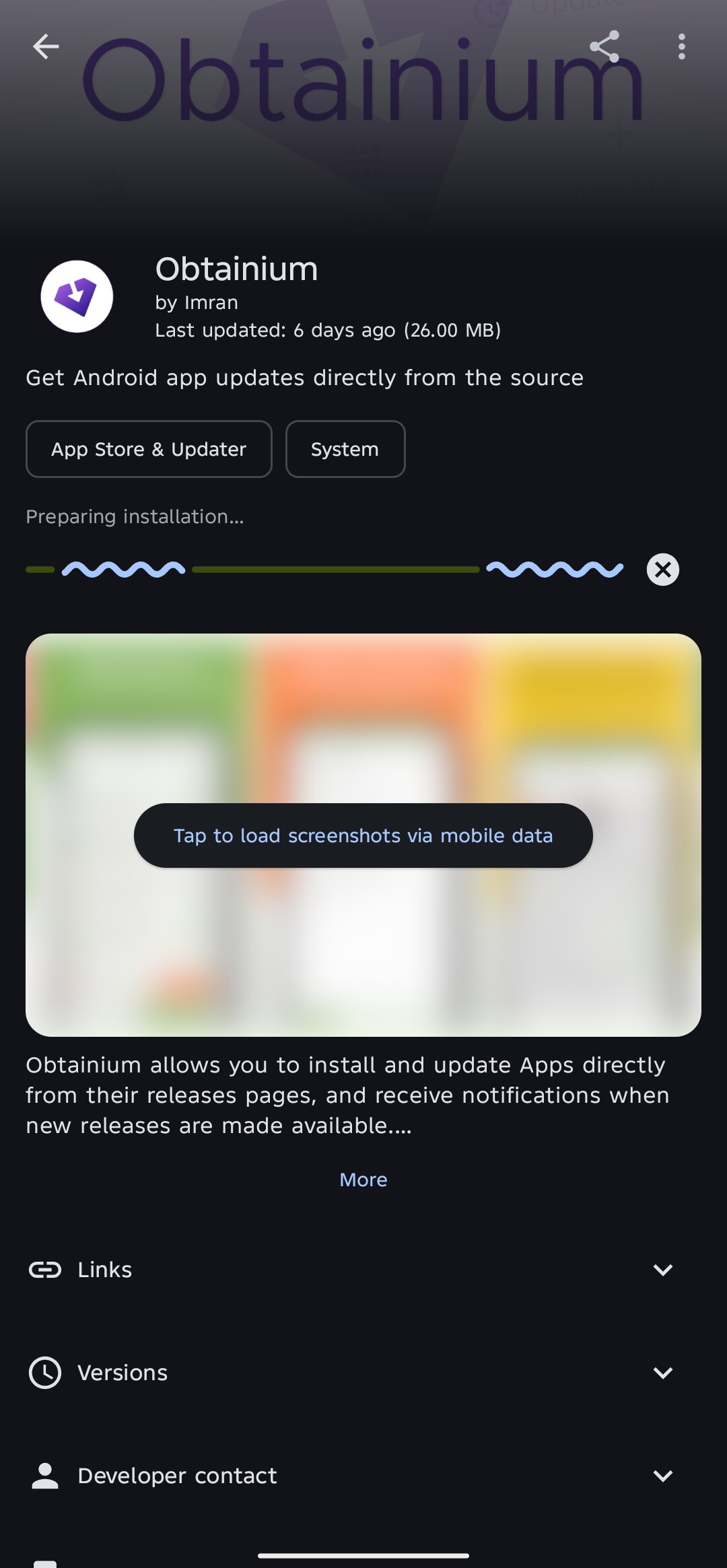
According to the in-app advice, I should not post logs as-is here since it can contain sensitive information. So… I’m not entirely sure how I’m supposed to share logs or if it’s even a good idea.
What works
- I can install local APK files through my file manager.
- I can install apps from F-Droid repo manually by downloading the APK and installing it through my file manager.
- I can install apps from F-Droid repo using Droid-ify. I presume other clients work too.
- My internet connection is fast enough to install apps. I mean, I can stream videos and post in this forum with it.
System info
- Android version: 15
- Phone model: TECNO POVA 6 Pro 5G (market name), TECNO LI9 (internal name)
- HiOS version: 15.1.2.170
- Build Number: 15.1.2.170SP05(OP001PF001AZ)
The OS comes with an non-trivially removable nagware (maybe even spyware?) app scanner named Phone Master that scans all apps after install. This might be the culprit but I tried disabling and revoking it as much power as I could within the phone to no effect. I can make it work normally again if I open it. I’m kinda scared removing this using methods outside of my phone. For all I knowthis is just a red herring. it’s gone.
What I tried
I tried clearing cache, clearing storage, reinstalling, force stopping, restarting, airplane mode On/Off toggling, VPNs On/Off toggling, DNS On/Off toggling, Install unknown apps Permission Allow/Block toggling, Disabling all mirrors except for the official one, Google Play Protect On/Off toggling, Phone Master On/Off toggling, Phone Master uninstalling through ADB; none of them reliably solved this problem. Some worked, tried again, no longer works.
Safe to say I have no clue what the culprit may be.