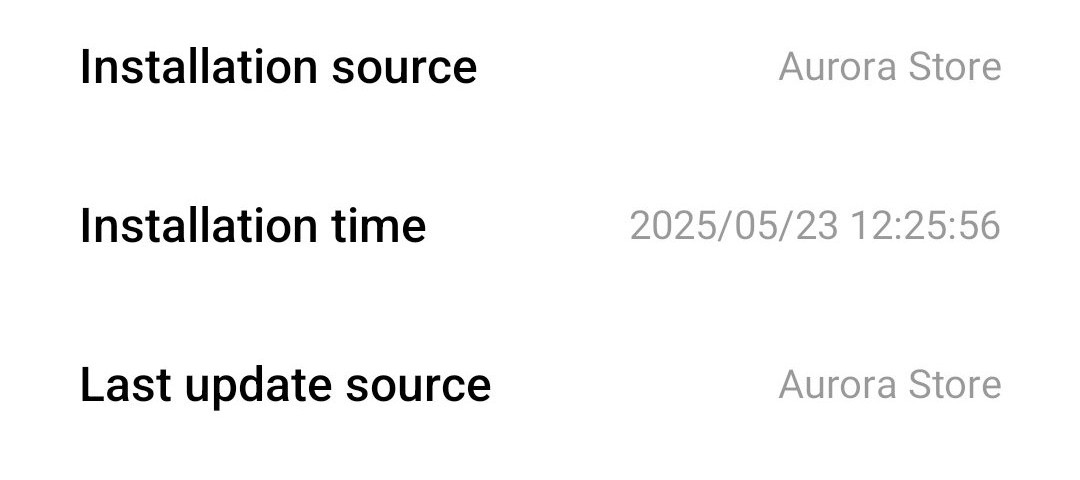
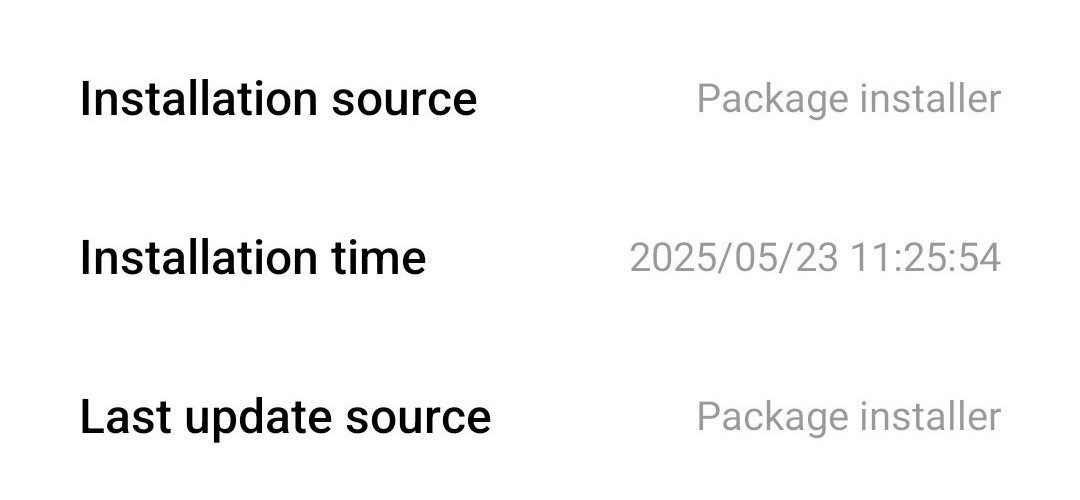
I install apps from F-Droid, and it shows the installation source as the package installer, but when I install from Aurora Store, it shows the installation source as Aurora Store. Why does this happen?
Are you on a stock Xiaomi device?
Yes, Redmi Stock Android
Apps can set their own install source e.g. Add setting to disable the UpdateCheck · Issue #755 · d4rken-org/sdmaid-se · GitHub
I’ve noticed few banking apps doesn’t work if you install via Aurora, they track the install source and expect you to download from PlayStore only. As AM dev mentioned checking for the installer is simply the wrong way to prove the legitimacy of the source.
Thanks @shuvashish76 , I’ve been puzzled for a while why a banking app keeps giviing “download failed” in Aurora but installs without problem using Play Store. It’s a bit of a nuisance but seems I’m stuck with it.
You can install it to say “installed by whateveryouwant”
$ adb push example.apk /data/local/tmp
$ adb shell pm install -i "com.android.vending" -r /data/local/tmp/example.apk
That’s for “it looks like Play installed this app i swear”
3 Likes
This topic was automatically closed 60 days after the last reply. New replies are no longer allowed.