I never use SDL2 androidbuild.sh script.
I setup cmake and build.
Here is what to do on a fresh linux installation to compile your game:
1- download cmdline-tools from here Download Android Studio & App Tools - Android Developers
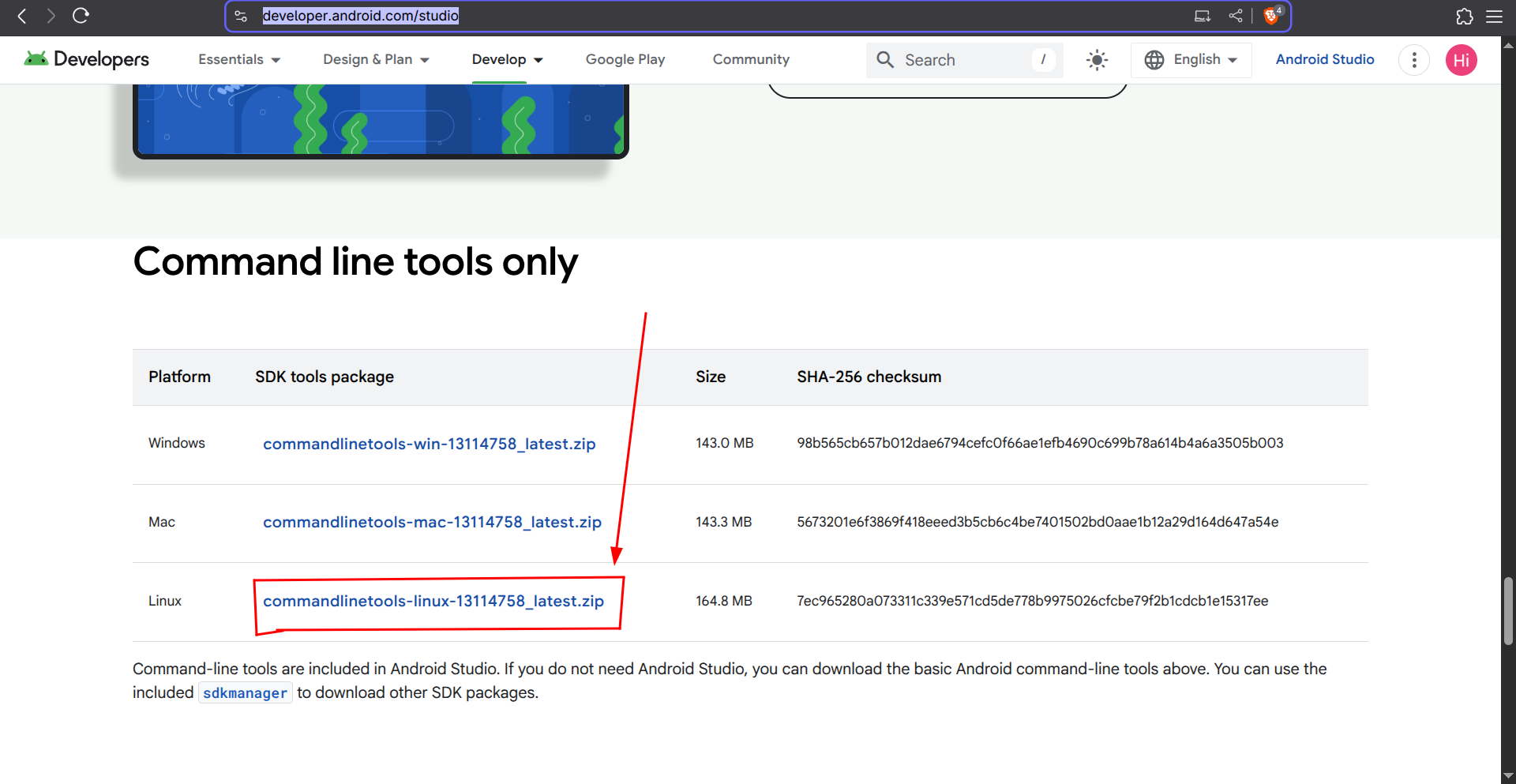
2- extract it. then rename the directory named cmdline-tools to latest
3- make directories mkdir -p ~/Android/Sdk/cmdline-tools/ and move latest to it
4- run this command ~/Android/Sdk/cmdline-tools/latest/bin/sdkmanager --licenses to accept licenses. (you don’t need to accept all)
5- install java 17
6- add the environment variables ANDROID_HOME and JAVA_HOME in your ~/.bashrc
export JAVA_HOME="/usr/lib/jvm/java-17-openjdk/" # Maybe different for your distro
export ANDROID_HOME="$HOME/Android/Sdk/"
7- download the zip Download game.zip | LimeWire I posted earlier and extract.
8- navigate to android-project in the zip file and run ./gradlew installDebug or ./gradlew assembleRelease
Now it should download the needed sdk and ndk and build.
You can read CMakeLists.txt in the zip file and android-project/app/build.gradle to learn how things work.