I was trying to downgrade OsmAnd~ and after enabling the archive the old versions still don’t appear on the list. I manually downloaded the old apk from https://apt.izzysoft.de/, but it would be nice if I could install the old version directly from f-droid. Does anyone have the same issue?
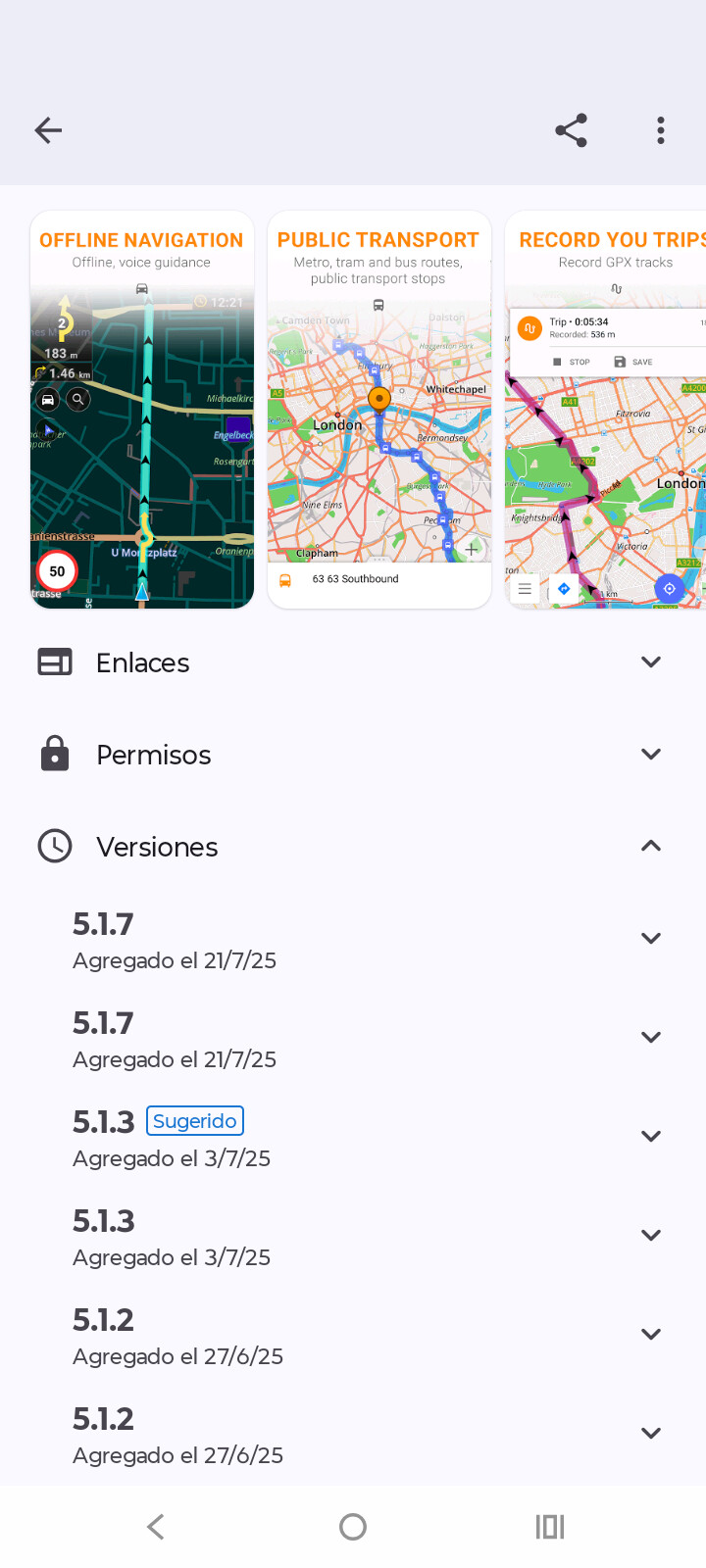
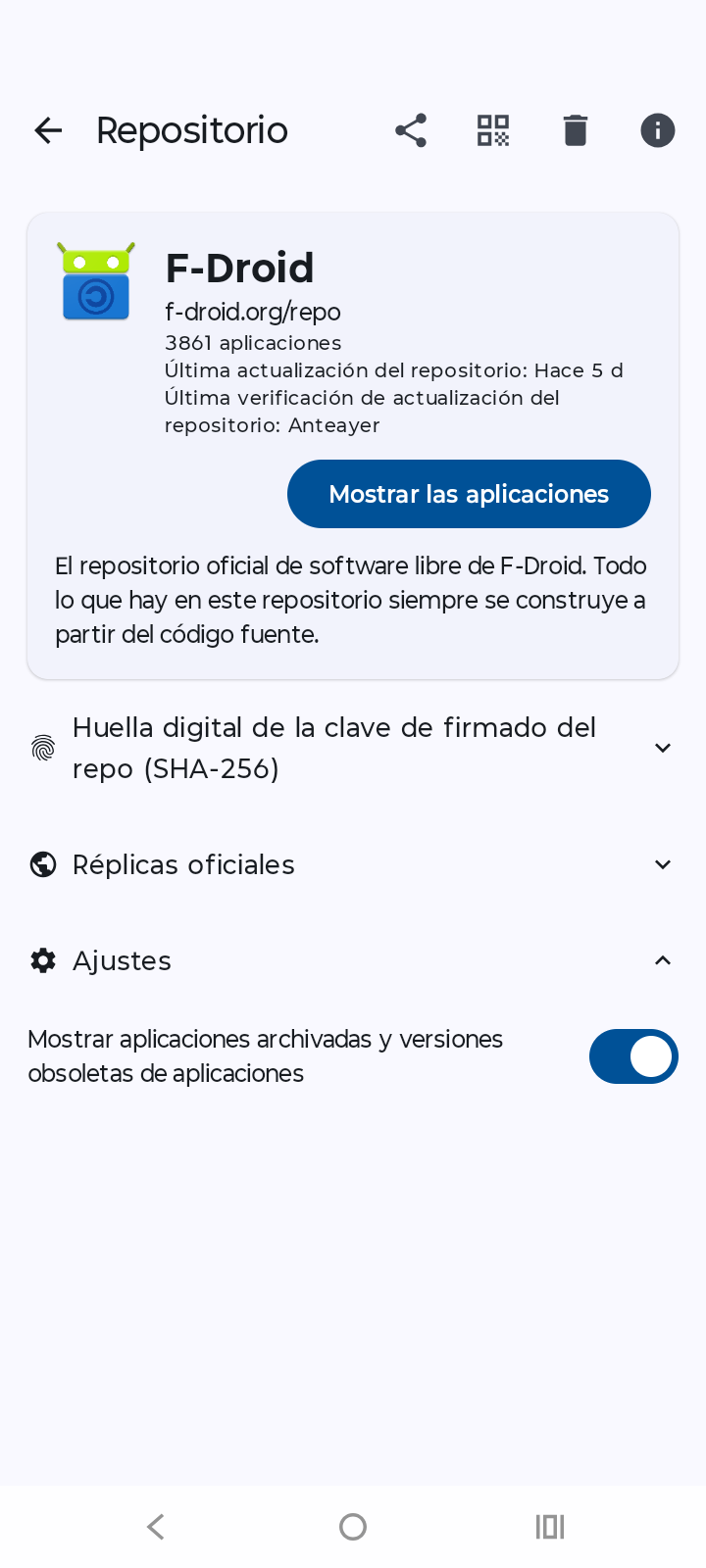
I had to change to f-droid archive in the drop down repository (above the buttons install/open) for the older versions to appear
After trying on a different phone I don’t see any drop down to choose the archive repository, there is only a “Install” button. But the archive is enabled in the repository checkbox. I’m looking everywhere but there is no visible way to download older versions 
I also tried to delete cache and stored data, then to uninstall and install again f-droid and to reboot the phone. Still no way to install archived versions. It used to be simple in the past and now it’s impossible
Seen this too on my old Android 6 device.
What device and Android version do you have?
ZTE Blade A34 running MyOS 13, based on Android 13
I tried deleting cache+data, uninstalling and reinstalling the F-Droid app after reboot several times, disabled and enabled the archive repo several times. I never got the drop down to choose repo when opening the OsmAnd~ page with the archive enabled, after like half an hour trying again and again I gave up and installed it from https://apt.izzysoft.de/ with Firefox.
Toggle Archive off
Swipe F-Droid away
Toggle Archive ON
Wait for the index download (you do see a notification about a download, yes?)
Go to Settings, Expert, Debug logs, save, send that to team at f-droid.org
Thanks
This topic was automatically closed 60 days after the last reply. New replies are no longer allowed.