Hello everyone.
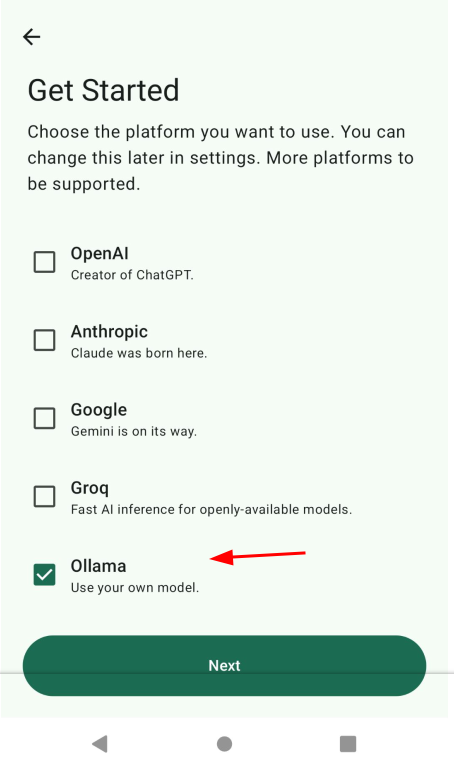
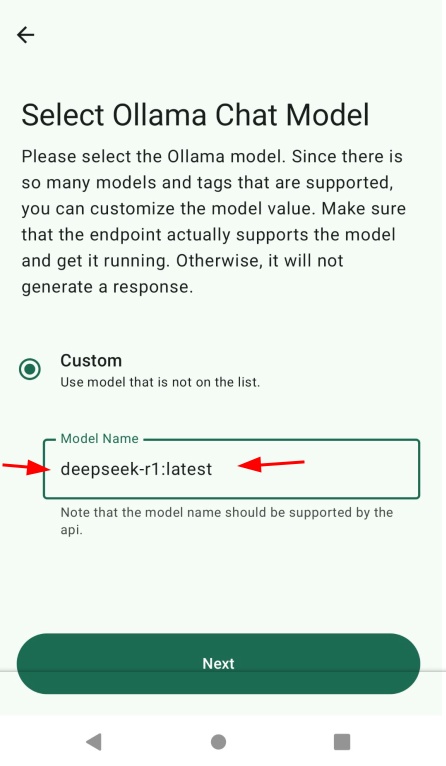
Please tell me how to set up and use the GPTmobile application?
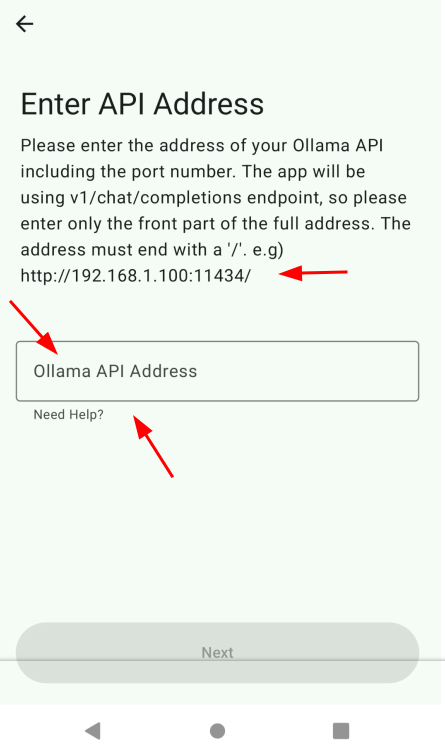
I liked the interface, everything looks very good, but I didn’t understand what to write in the “api” field and where to get them? Ollama api, OpenAl api, Groq api, etc. Why is the IP address from WI-FI indicated as an example when I use my phone and mobile Internet. Also, I did not find on github the contacts of a group or forum where you can communicate with those who use this application, I do not have an account on github. I will be grateful for your advice.
The ChatGPT API key is a unique identifier that grants access to the ChatGPT API service. It acts as a security token, allowing secure communication between your application and the OpenAI servers. To maintain the confidentiality of your data and usage, it’s essential to understand the role of the API key.
Thank you very much for your answer.
Clarification on your answer.
Did I understand you correctly, if, for example, I installed Ollama on my server, in the "Ollama API address" field, I specify the ip address of my server and the port (for example, 443 or 8443) through which the GPTmobile client is connected?
Unlikely to be “better” than a web model. I have tried Ollama in Termux and even the smallest models take a long time to generate a response, the model is rather “dumb” considering the small package, and it insanely heats up the phone because ai models are very cpu intensive hogs. Consider I am using a modern premium smartphone too. I do not recommend!